
A protected passage
Prepare a mechanical trap around an object, crossing or room. Describe the surface, linkage and safe approach the party can investigate.
Read the warning. Find a way through.
Make danger part of the adventure. Prepare mechanical traps, magical wards and environmental hazards with clues, consequences and meaningful counterplay.

A challenge with a purpose
Place the threat, show the warning and leave meaningful choices.
Prepare a mechanical trap around an object, crossing or room. Describe the surface, linkage and safe approach the party can investigate.
Build a ward with an activation condition and observable magical clues. State how suppression, avoidance or another counter can work.
Use stressed supports, shifting terrain or another environmental danger. Keep its threatened area and safer edge understandable.
Prepare a staged or moving hazard as written guidance. Choose whether it needs a supported inactive Combat PRO handoff.
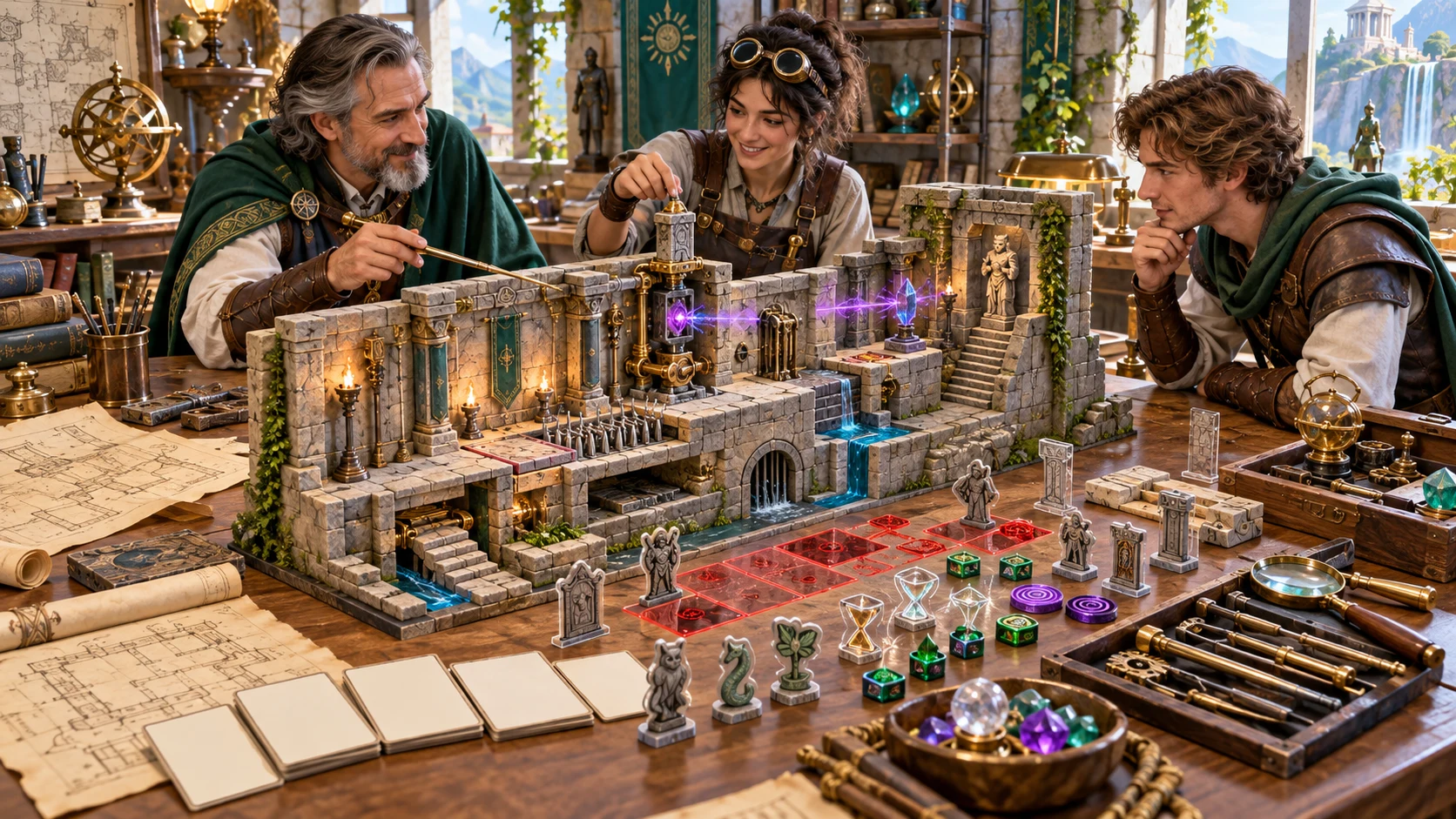
Plan the warning and the counter
Adventurers and a designer examine a miniature ruin with pressure surfaces, magical barriers and marked consequences.
This illustration represents hazard preparation. The app creates written cards and structured JSON; it does not draw the model or generate a graphical map.
From a location to a usable card
Open Trap & Hazard Generator through Desktop Command Centre on Windows.
Choose trap or hazard, danger tier and environment. Describe the purpose and placement so the challenge fits the adventure.
Use Deep to set trigger, visibility, bypass, effect, stages, reset and alarm. Quick retains your current advanced settings.
Review the warning, trigger boundary, safe route, consequences and counter windows. Adapt the written guidance to your rules.
Edit details as structured JSON, save a validated account card, or review and export the current Dungeon Master or player view.
Clues, consequences and counterplay
Use the supplied guidance to build a challenge suited to your table.
Choose a mechanical trap, magical ward or environmental hazard, then describe its purpose, location and affected area.
Specify pressure, proximity, opening, tampering, time, sound, magic or instability. Review how the trigger fits the physical scene.
Generate observable clues even for a well-hidden danger. Set visibility, detection intent and how strongly the warning is telegraphed.
Review a safe bypass, partial disarm and alternate solutions. Adapt the suggested routes and protection to your location and game rules.
Choose damage, condition, movement, resource pressure or a mixed effect. The card supplies written danger and mitigation guidance.
Build a simple, two-stage, three-stage or linked hazard. Review each cue and counter window, plus its alarm and reset behaviour.
Edit the structured hazard, copy either view, download JSON or print the current card. Review player-facing name, placement and clues before sharing.
Save validated cards with up to ten prior versions. A supported combat interaction can send an inactive hazard to Combat PRO with its separate access.
A starting point for different dangers
Presets change selected controls while retaining other settings.
Start with a simple mechanical trap or a three-stage design. Review how the alarm and reset fit the trigger and counterplay.
Prepare an environmental hazard with ongoing or moving battlefield interaction. These are written prompts, not live movement simulation.
Use magical activation and suppression, or resource pressure with a reinforcement warning. An alarm does not create or activate reinforcements.
Prepare three-stage escalation or linked traps with visible cues. Review every stage and opportunity to interrupt it.
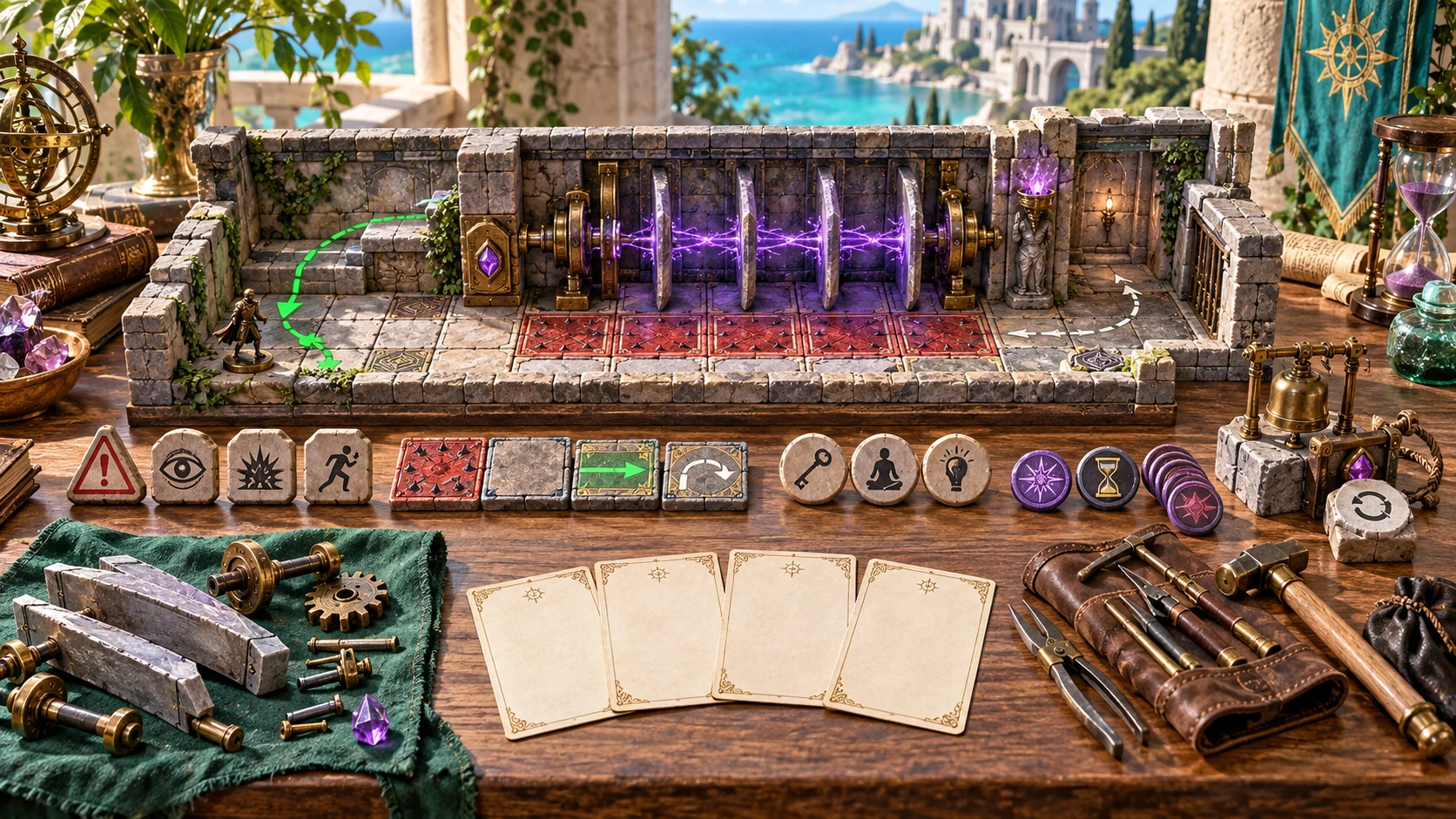
Keep the safe route in the picture
A miniature warded passage shows marked danger surfaces, a safer route, a mechanism and tokens representing clues, effects and reset.
The artwork illustrates the elements of a written hazard card. Use the card to plan the scene, then decide its mechanics and layout for your own game.
Refine one part of the danger
Section rerolls replace the selected group and retain the rest of the card.
Change the consequence guidance while identity, purpose, placement and trigger stay locked. Review the separate stage summaries after a change.
Replace warning signs, detection intent and player-observable clues together. Check that the new evidence fits the retained mechanism and location.
Replace bypass and disarm, responses during danger, failure consequences and success benefit. Fit each suggestion to the physical scene.
Replace the stage summary, sequence, reset and alarm. Review these against the retained effect and trigger before play.
Written guidance needs your judgement
The generator supplies choices and prompts, without resolving live checks or combat.
Generated cards include observable clues and suggested counters. Validation checks structure; it does not calculate party balance or prove physical solvability.
Quick and presets retain other settings. Opening a saved card does not restore its setup controls or variation counter; check them before a reroll.
Name, placement and clues appear in the player view. Secrets placed in those fields are not automatically removed.
A supported handoff creates a new saved encounter with an inactive rule and disabled effect prompt. Live activation and resolution stay in Combat PRO.
Choose the generator access you need
Current selected-generator prices are charged in US dollars.
US$1.99/month for Trap & Hazard Generator as an individually selected standalone generator.
US$8.99/month for a pack of five chosen standalone generators. Choose the tools you need through your account.
A free account does not by itself include paid generator access. Open the product through Desktop Command Centre with the required entitlement.
Combat PRO and image products have their own required access. A generator subscription does not include every linked product.
Keep the preparation useful
Save a reviewed challenge and return to it when the location matters.

Save hazard card validates and writes the current library through your inherited account session. There is no automatic save.
Find cards by name, kind or environment. Duplicate a design or open up to ten prior versions; save deliberately to keep the chosen revision.
Copy or download structured JSON and print the current card. Choose the Dungeon Master or player view before exporting.
Use Start Here and task help to find core controls, variants, sharing, saving and supported combat preparation.
Hazards within a wider adventure
Related products retain their own purpose, access and execution boundaries.

Discover and open your supported Windows products through one connected VISINVOKE account.

Find environments for the passages, wards and battlefield dangers you prepare.
Prepare and run encounters with separate required access. Supported hazards arrive as inactive preparation for deliberate activation.

Create fantasy character, creature, item and location imagery for your tabletop preparation.

Create guided commercial visuals for websites, brochures and other creative projects.

Explore a separate futuristic RPG world with its own characters, rules and progression.
Product artwork illustrates hazard preparation, not application screens or actual generated image output.
Know the workflow before you start
Understand rerolls, sharing, account saves and inactive handoffs.
It creates written trap and hazard cards with purpose, placement, trigger, warnings, detection intent, bypass and disarm options, effect guidance, affected area, duration, escalation, reset, alarm and counterplay. Choose mechanical, magical or environmental operation and one of four danger tiers. It supplies authoring guidance rather than numerical difficulty values, damage dice, automatic balance checks or a graphical map. Review the whole card against your location and table rules.
Quick shows trap or hazard, danger tier, environment, purpose, placement and an optional seed. It retains your current advanced settings. Deep exposes mechanism, area, trigger, visibility, detection difficulty, bypass, effect, complexity, reset, alarm, combat interaction, lethality and telegraph level. Simple, Complex, Battlefield, Ward, Alarm, Moving, Escalating and Linked presets change selected settings while retaining others. Fresh hazard resets the setup. Repeated generation also uses an advancing variation counter, so the seed alone does not reproduce every successive card.
Effect, warning clues, counterplay and escalation are separate reroll groups. Identity, name, purpose, placement and trigger remain locked; the chosen group is replaced using the current controls. Related summaries can retain earlier values: an effect reroll replaces the complex-stage sequence while the separate escalation summary stays unchanged. Review effects, stages, warnings and danger together after changes. Opening a saved or prior card does not restore its generation controls or variation counter. Use the JSON editor to reconcile the result before saving or sharing.
The displayed player clue card contains the name, supplied placement and observable clues. Its copied or downloaded JSON also includes visibility and general safe choices. It leaves out the dedicated trigger-operation, effect, reset and Dungeon Master sections, but does not automatically remove secrets you put into a name, placement or clue. Review those fields before sharing. Copy, download structured JSON and print act on the current Dungeon Master or player view. There is no file-import control.
Save hazard card manually validates the result and saves the current library to your VISINVOKE account through the inherited Desktop Command Centre session. Search by name, kind or environment, duplicate a card, or open up to ten prior versions. Opening a prior version does not save it until you choose Save. Validation checks required sections, observable clues, alternate routes and forbidden live-state fields; it does not prove physical solvability or party balance. There is no automatic save or deletion control in this product, and simultaneous windows do not merge their libraries.
Open Trap & Hazard Generator on Windows through Desktop Command Centre with the required standalone generator access. Individual access is US$1.99/month; five selected generators cost US$8.99/month. Choose a combat interaction other than Outside combat to send one abstract zone, warning and counterplay notes, an inactive hazard rule and a disabled effect prompt to a new saved Combat PRO encounter. Separate Combat PRO ownership and available saved-encounter capacity are required. Detection, disarm and activation stay unresolved; the handoff does not start combat or supply a map. Sending the same hazard again prevents a duplicate and does not update the existing encounter.
Continue in VISINVOKE
Create a free VISINVOKE account and choose the required standalone generator access.
Get Desktop Command Centre from your account installer page. Sign in on Windows, then open Trap & Hazard Generator.